Every serious software project runs into the same fear: that it will tear out the systems the business already depends on. The finance team trusts its ERP. Operations knows exactly how the current stock system behaves. Replacing all of that is expensive, slow and risky, and usually unnecessary.
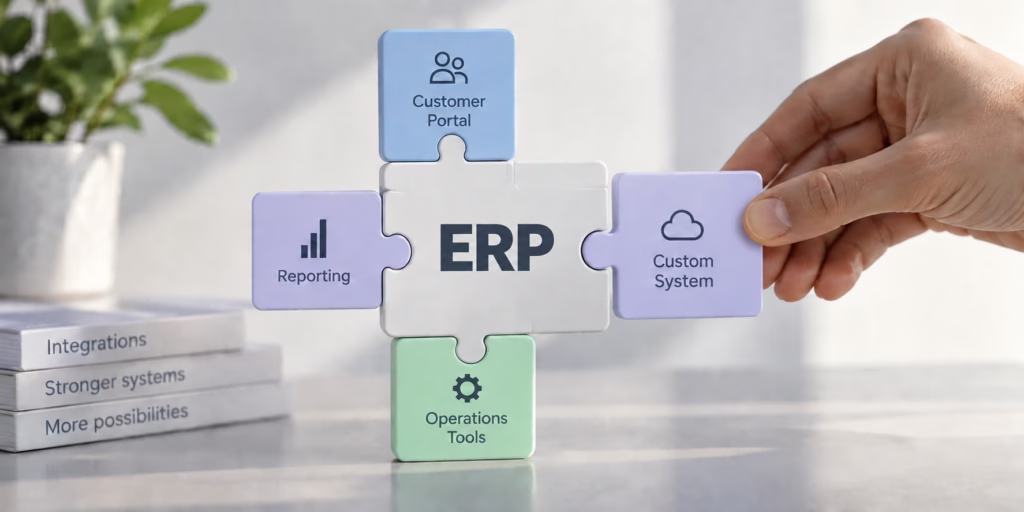
Most of the systems we build do not replace anything. They connect to what you already run, and add what is missing.
We add systems on top of the tools you already run. Nothing gets replaced.
Why replacing everything is the wrong instinct
When a new system means ripping out the old one, every risk multiplies. Data has to be migrated in full. Staff have to relearn tools they were fast on. The project cannot go live until all of it is ready, so the timeline stretches and the cutover becomes a single stressful event.
Your ERP keeps doing what it does well. The new system handles the part it was built for.
| |
Rip and replace |
Integrate and keep |
| Your ERP |
Retired and replaced |
Stays in place |
| Your data |
Migrated in full |
Stays where it lives |
| Going live |
One large cutover |
One system at a time |
| Your team |
Relearns everything |
Keeps its tools |
One source of truth, two systems
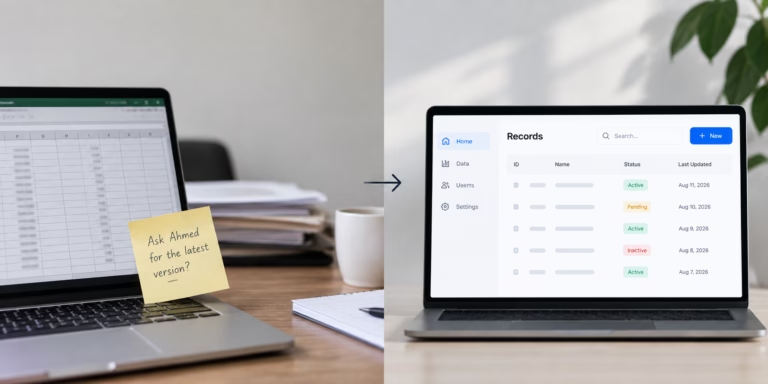
With integration, the data has one home. When a customer places an order in a new storefront, the stock it checks against is the same stock your ERP already tracks. There is no second copy to reconcile, and no nightly export that is out of date by morning.
The proof is already running
- ✓Abdel Aziz Stores: an online store that reads live stock straight from SAP, so what a shopper sees is what is really on the shelf.
- ✓Hamza Group: mobile apps and a system joined to their SAP setup, in daily use across the business.
In each case the existing system stayed. We added the part the business was missing, and connected the two.
Where to start
You don’t need to decide the whole roadmap up front. A good first step is usually one connection that removes a daily manual job:
- →The report someone rebuilds by hand every morning.
- →The stock figure that is always slightly wrong online.
- →The data your team copies from one screen into another.
Start there, connect it properly, and expand from a system that already works.
What to connect next
Replacing everything is rarely the answer. If you already run an ERP and need it to do more, the real decision is what to connect next.
Tell us what you run today, on WhatsApp from any page of the site, and we will tell you what it would take to add to it.