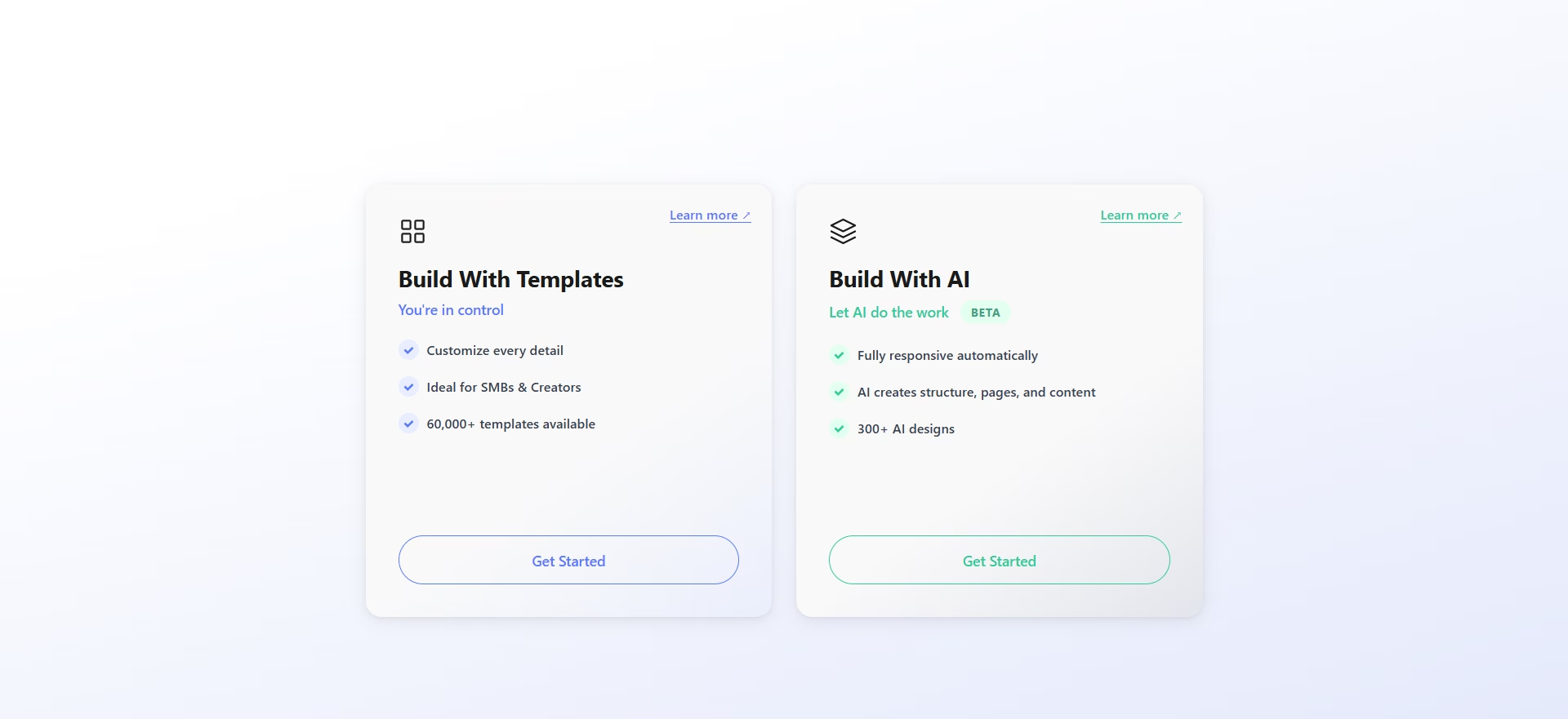
When building your website in WebOps, you can choose between AI-generated websites or template-based websites.
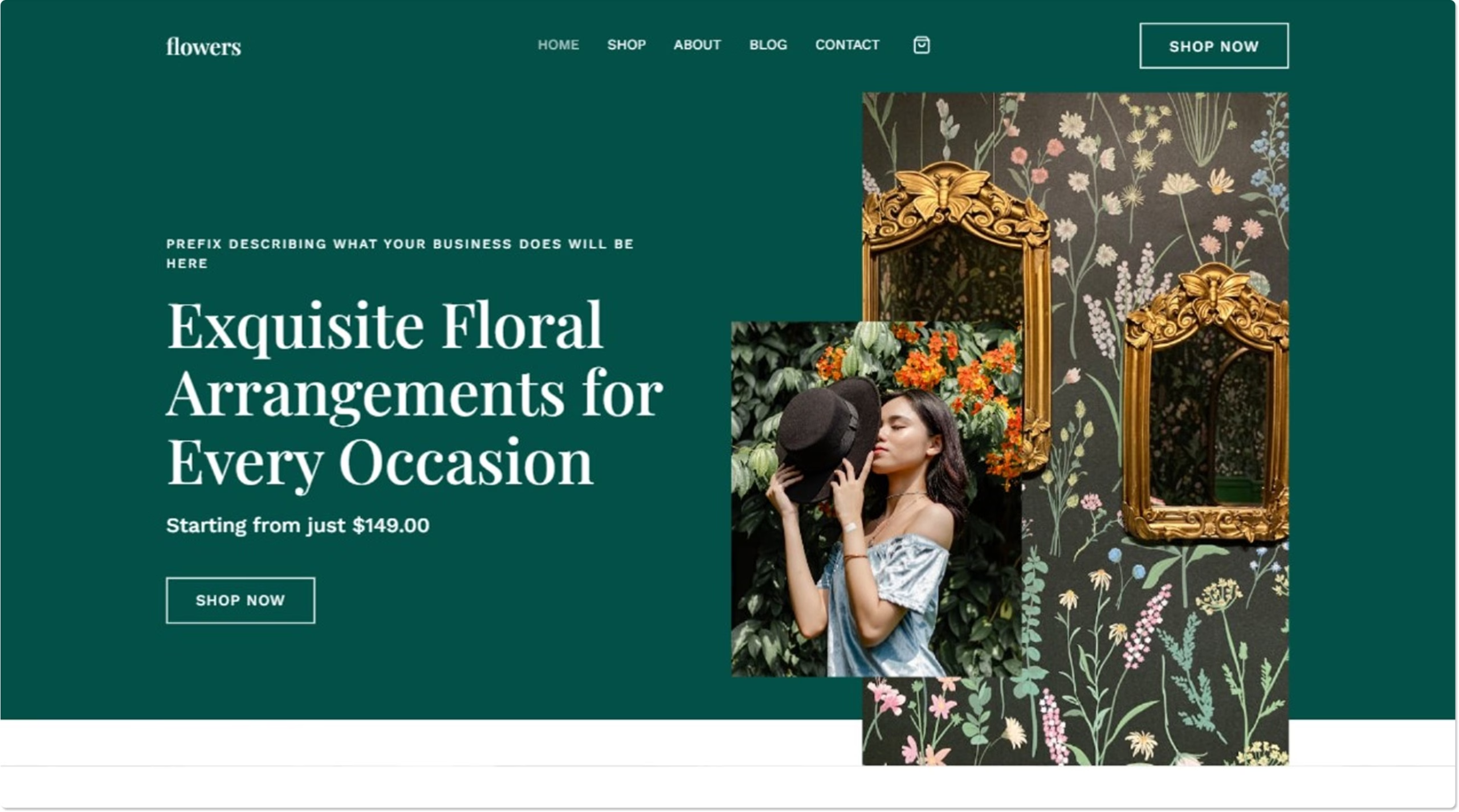
The Build With Templates option allows you to start with a template and customize every part of your website manually.
This option is ideal if you want more control over your design, layout, and website structure.
When Should You Use Template-Based Building? #
Choose Build With Templates if you:
- want full control over your website design
- prefer customizing your site manually
- want to start with a professional template layout
- already have a template you want to use
Available Template Options #
When you choose Build With Templates, you will see four ways to create your website.
Each option provides a different way to start your website.
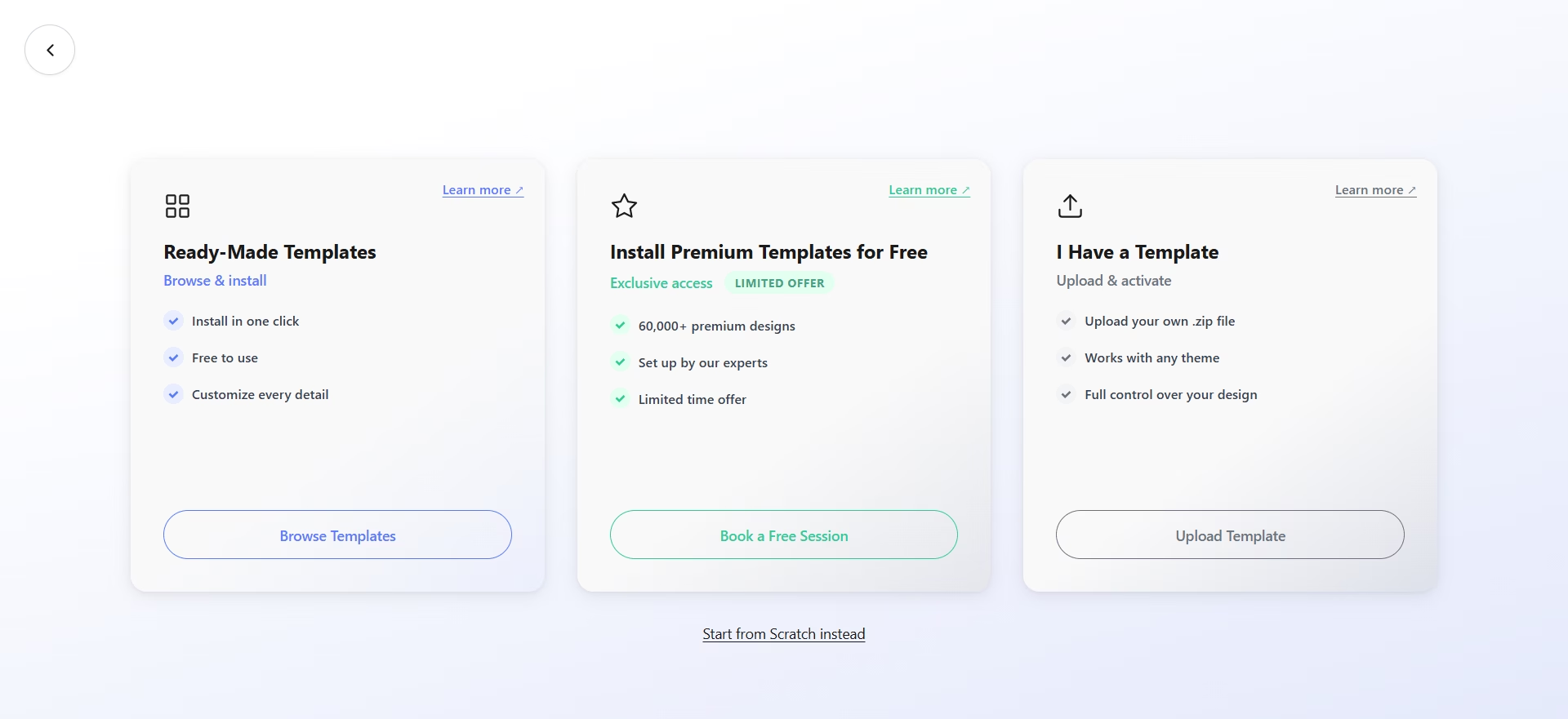
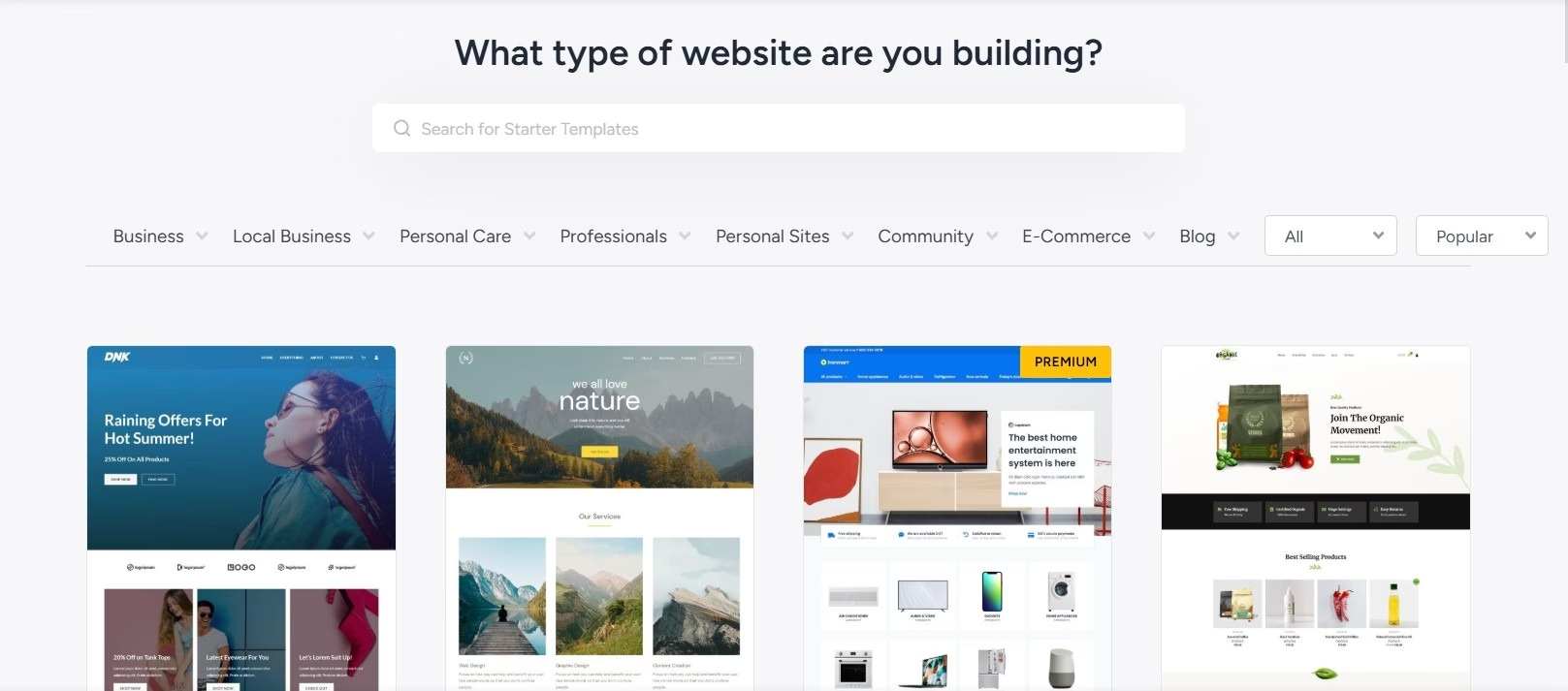
1. Ready-Made Templates #
Choose from a library of pre-built templates and customize them to match your brand. This is the fastest way to build a template-based website.
You can browse available templates and install one directly from the builder.
Learn more:
How to Build a Website Using Ready-Made Templates
2. I Have a Template #
If you already own a template, you can upload and install it on your website.
This option is commonly used if you purchased a template from marketplaces such as ThemeForest.
Learn more:
How to Build a Website Using Your Own Template
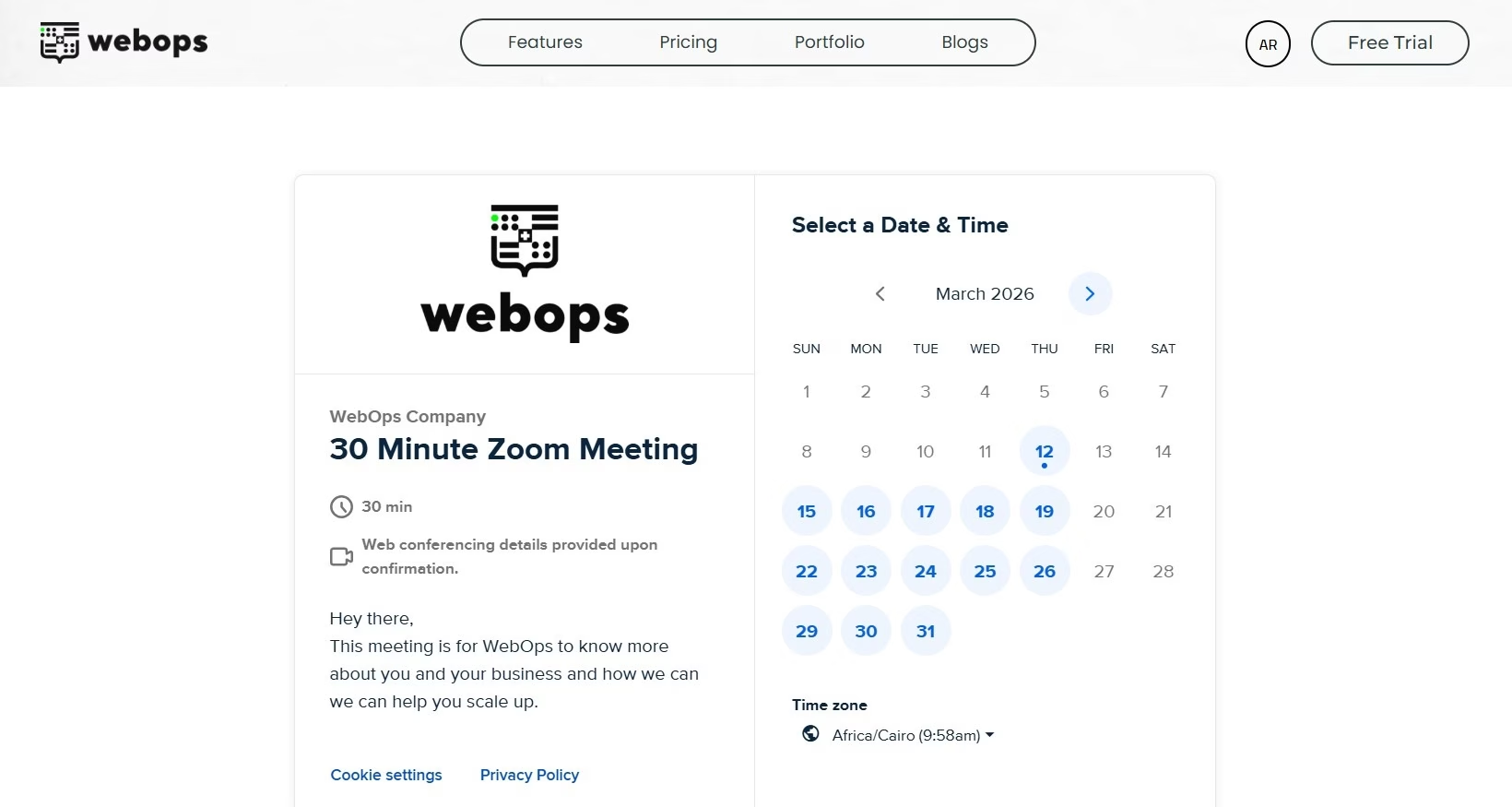
3. Install Premium Templates for Free #
If you want help setting up a premium template, you can schedule a session with the WebOps team.
During the session, our team will help install and configure the template for your website.
Learn more:
How to Install Premium Templates for Free
4. Start from Scratch #
Build your website from a blank WordPress setup without using any pre-made templates.
This option gives you complete freedom to design your website exactly the way you want.
This is ideal if you:
- want a fully custom design
- prefer building everything manually
- do not want to use pre-made templates
What Happens After Installing a Template? #
Once your template is installed, you can manage and customize your website from your WordPress Dashboard.
From there you can:
- edit pages
- change images and text
- customize colors and typography
- manage menus
- add new pages
- install plugins
Most templates can be edited visually using Elementor, allowing you to design your website without coding.
Next Step #
Choose the option that best fits how you want to build your website and follow the detailed guide for that method.
Each guide will walk you through the process step by step.