Accessing Billing History #
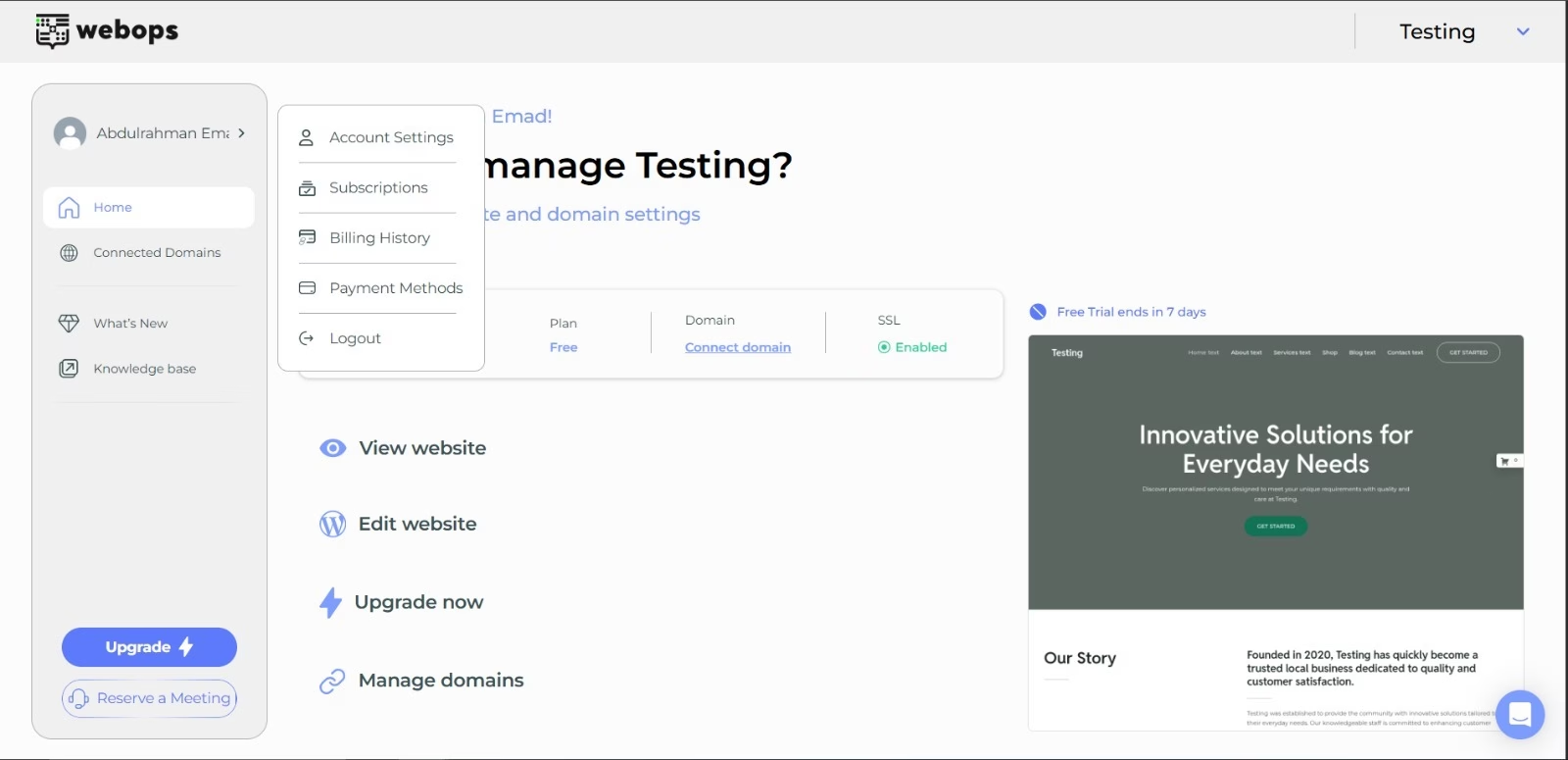
To open your billing management page:
- Click on the arrow next to your profile name in the side menu.
- Select Billing History
Invoice Details #
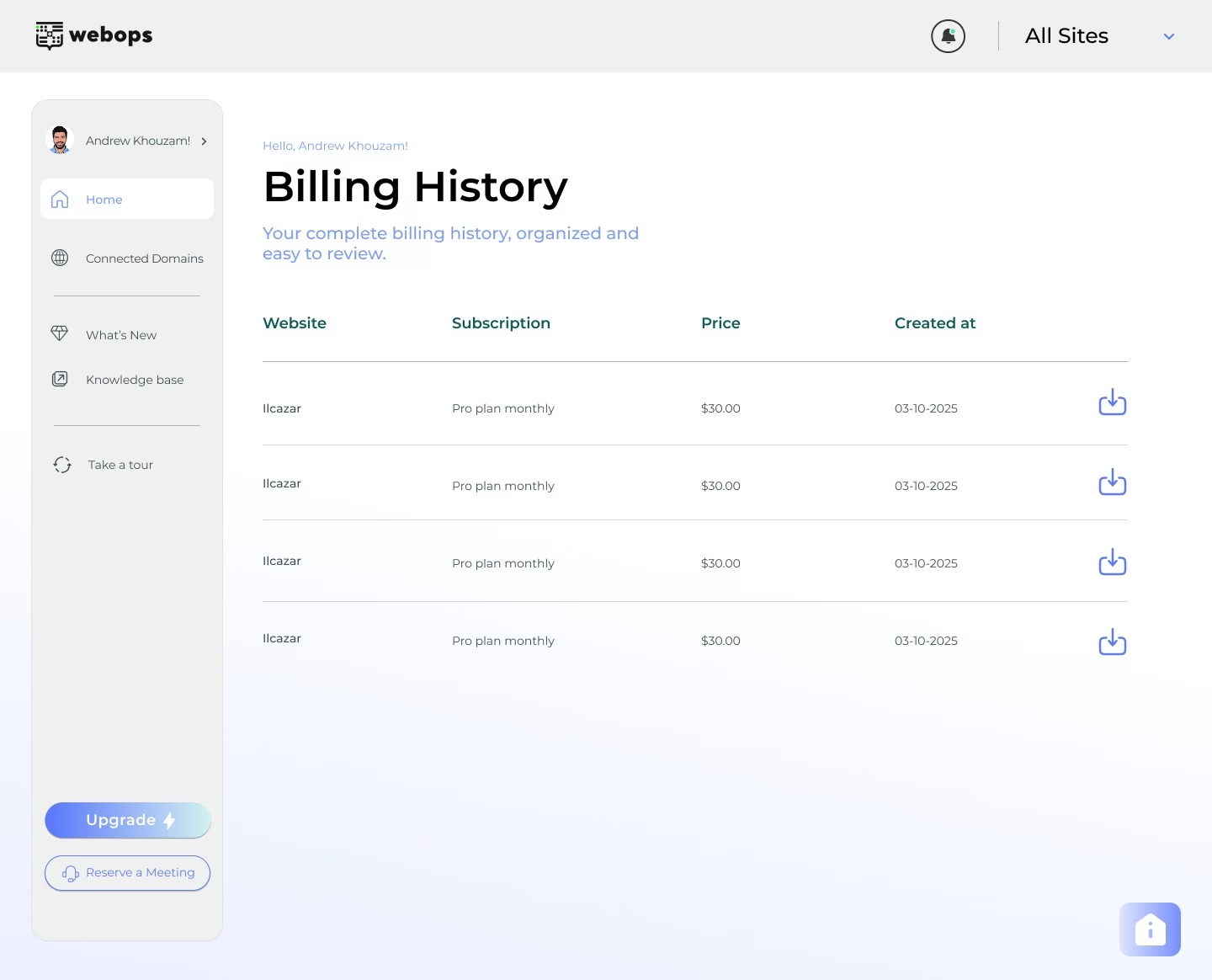
Each row shows:
- Subscription type
- Price
- Billing date
This makes it easy to track charges across multiple projects.
Download Receipts #
To download an invoice:
- Click the download icon next to any billing entry.
This is useful for accounting, reimbursements, tax records, or internal documentation.